Musician
You need a backing track for rehearsal, but the lead singer overlaps with guitars and effects.
Listen for vocal remnants and missing instruments before using the instrumental in a practice session.
music remover vs vocal removerPractical guide
If you are asking what is the best vocal remover in 2026, start with the result you need: a cleaner instrumental, an isolated voice, or speech without background music. No single tool wins on every recording. The useful test is whether its output sounds right on your own source audio.
A vocal remover separates a recording into an estimated voice track and an estimated backing track; it does not recover the original studio stems.
The best vocal remover for a song may not be the right choice for dialogue or a recorded lesson. Match the test clip to your actual job.
You need a backing track for rehearsal, but the lead singer overlaps with guitars and effects.
Listen for vocal remnants and missing instruments before using the instrumental in a practice session.
music remover vs vocal removerA spoken introduction has music beneath it, and the spoken words matter more than the backing track.
Judge intelligibility and whether the separated voice sounds natural, rather than expecting a clean music stem.
music remover from audioDialogue and music are already mixed into a video soundtrack.
Check the extracted audio first, then confirm that any replacement soundtrack stays in sync with the picture.
remove music from video but keep voiceA recorded lesson includes a musical opening and quieter speech later on.
Test both passages; a setting that handles the opening well may change the sound of softer speech.
background music remover freeMost vocal separation workflows follow the same broad pattern, though available inputs and outputs depend on the tool.
Include the difficult passage: overlapping instruments, backing vocals, reverb, or quiet dialogue. A simple opening may hide problems that become obvious later.
A separation model estimates which sounds belong to voice and which belong to accompaniment. Compare the voice and backing results with the original at the same passage.
Listen through headphones for metallic tones, missing syllables, and vocal bleed. If the output is going into a video or edit, check timing there too.
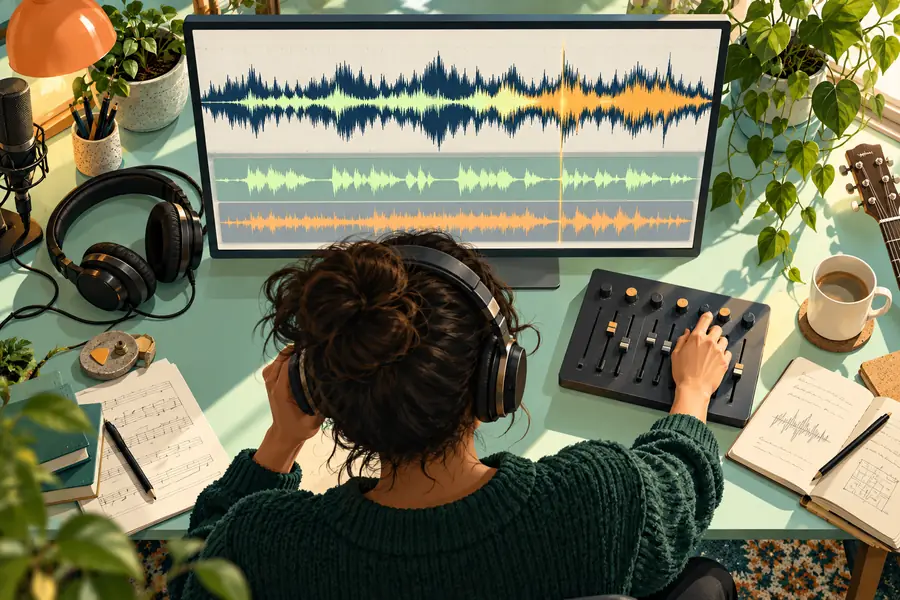
These images illustrate the workflow, not an actual separation result. Judge a tool by listening to the same passage before and after processing.

Separation can make a mix more usable, but a finished recording does not contain perfectly recoverable source tracks.
Reverb, harmonies, and instruments in the vocal range can remain in the backing track or disappear with the voice.
WorkaroundTest the busiest chorus, not just a quiet verse, before committing to an edit.
Compression noise, clipping, and a muffled recording may still be audible after separation.
WorkaroundStart with the best-quality recording you have and compare against the unprocessed source.
A sung lead, spoken dialogue, crowd noise, and backing harmonies can overlap in ways a model handles differently.
WorkaroundCheck each kind of voice present in the clip and revise the edit where artifacts matter.
Removing a voice does not change who owns the underlying recording or composition.
WorkaroundConfirm you have permission for the source and intended use.
The deciding question is often which track you want to keep. These terms describe different goals, even when a tool offers both results.
Vocal remover
Music remover
Vocal remover
Reduce the lead voice in a mixed recording.
Music remover
Reduce music while retaining a voice.
Vocal remover
A musician preparing a rehearsal backing track.
Music remover
An editor prioritizing speech in a recorded clip.
Vocal remover
The estimated instrumental.
Music remover
The estimated voice or dialogue.
Vocal remover
A chorus with vocals, harmonies, and dense instruments.
Music remover
Quiet speech under prominent background music.
Vocal remover
Faint vocal bleed or instruments removed with the singer.
Music remover
Music bleed or thin-sounding speech.
Vocal remover
Backing that works for the intended practice or edit.
Music remover
Speech that remains intelligible and natural enough for the intended use.
Choose a representative recording, decide which part you need to keep, and listen for artifacts before using any separated audio. Musicremover can point you toward audio tools; check the destination's available workflow and terms before uploading.
Explore audio toolsThere is no reliable universal winner for every recording. The best choice for you is the one that preserves the part you need, produces tolerable artifacts on your source, and fits your editing workflow. Test the same difficult passage in any tools you are considering.
Use the same source clip and listen to both separated tracks. Check whether the instrumental retains its important sounds, whether the voice track stays intelligible, and whether either result has audible bleed or a metallic quality.
Sometimes the result is useful, but a separated track is an estimate rather than an original studio stem. Dense arrangements, reverb, and backing vocals can leave artifacts. Listen before relying on it for a finished project.
If you want to keep the speech, look for a workflow focused on reducing background music or isolating voice. A tool aimed at removing the voice from a song prioritizes the opposite output. In either case, test intelligibility on the actual spoken passage.